Bring Your Apartment to Life Before the First Swing of the Hammer
Today we explore ‘From Scan to Plan: Using Digital Tools to Prototype Apartment Layout Changes,’ guiding you from a quick reality capture to confident design decisions. You will learn to scan rooms with your phone, convert messy data into clean plans, iterate layouts rapidly, and validate choices using AR previews, daylight simulations, and budget scenarios—so every change is tested, shared, and refined before a single wall is moved. Subscribe, comment with your questions, and tell us which layout you want us to prototype next.
Capture Reality with a Quick Scan
Your best plan begins with an honest portrait of the existing space. Modern phones, LiDAR tablets, and photogrammetry apps can capture walls, openings, and ceiling heights in minutes. We will compare workflows, share pitfalls, and explain how small habits—like labeling rooms and checking corners—dramatically improve accuracy and make every downstream decision faster, clearer, and less stressful for you and collaborators.
Phone or LiDAR?
If your device lacks LiDAR, you can still achieve reliable results using video-based photogrammetry and careful pathing. Walk slowly, keep constant overlap, and include feature-rich surfaces. With LiDAR, prioritize even coverage over speed. In either case, capture door swings, window sills, and floor transitions, because those details shape furniture placement and mechanical runs more than you might expect.
Best Practices for Clean Captures
Before scanning, declutter floors, open doors fully, and place temporary markers at ambiguous corners. Move steadily at waist height, pause at junctions, and circle columns to avoid holes in the cloud. Immediately after, take reference photos and quick tape measurements at two known distances. These cross-checks let you scale or correct the model later without redoing the entire pass.
Anecdote: The Hidden Column
During one renovation, a tiny plaster bump looked cosmetic until a scan revealed an offset structural column buried inside. Catching it early prevented a costly open-plan mistake. We nudged the kitchen island by eight inches, rerouted lighting, and improved sightlines. A five-minute scan turned into thousands saved, and a layout that finally respected the bones of the building.
From Point Cloud to Clean Floor Plan
Raw scans are messy, but they contain everything you need. We will show how to align the cloud to true north, flatten noisy walls, and generate precise floor outlines. Then we trace structural elements, annotate utilities, and set story heights. By translating reality into a legible drawing, you unlock fast comparisons across options and make conversations with contractors far more productive.

Prototyping Layouts Like a Product Designer
Treat the apartment like a product in discovery. Sketch divergent options quickly, then converge using measurable criteria: daylight, storage, circulation, and budget. Use layers and alternatives to compare wall placements side by side. Invite feedback early through shared links. Iteration beats perfectionism; every version teaches something, and the cost of change in software is near zero compared to drywall and trades.

Zoning Before Walls
Start by mapping quiet, active, and service zones based on light and plumbing, not existing partitions. Place sleep areas where morning light suits your routine, and align wet rooms with stacks. Only then draw walls. This keeps the conversation about behaviors and comfort rather than arbitrary lines, and it prevents designing yourself into expensive plumbing acrobatics later.
Furniture as Constraints, Not Afterthoughts
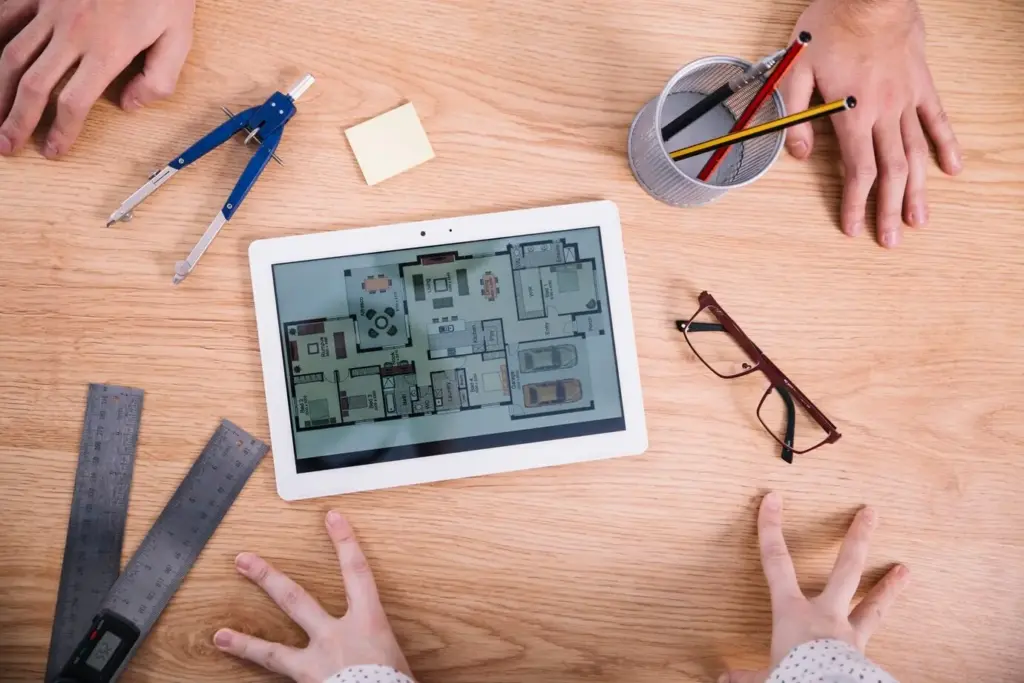
Drop in full-scale furniture early, using accurate footprints for sofas, tables, and wardrobes. Clearances around seats and doors reveal real circulation, while counter overhangs and appliance swing arcs expose conflicts. Seeing daily objects at scale curbs optimistic drawings, ensures habit-forming convenience, and helps partners visualize life in each option instead of arguing through abstract sketches and wish lists.
Lighting, Flow, and Real-World Constraints
Great plans respect the physics of sun, sound, and people moving through space. Run daylight studies to catch glare on screens and cold corners behind balconies. Map flow from entry to kitchen to bedrooms to bathrooms. Honor structure, vents, and building rules. Designing within these boundaries does not limit creativity; it channels it toward solutions that feel effortless every day.
Daylight Simulations That Change Everything
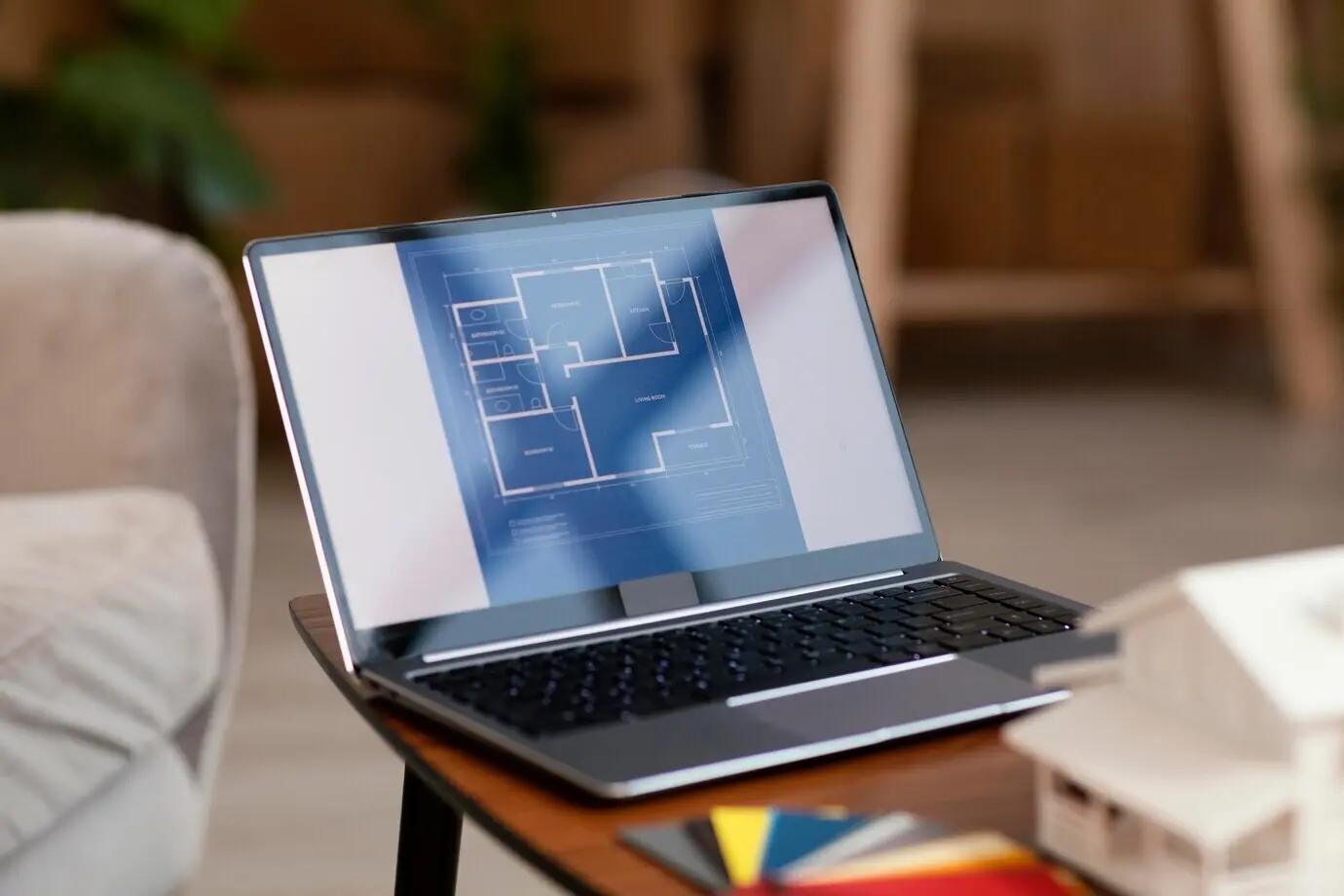
Simulate sun paths for equinoxes and solstices, then test blinds, reflectance, and plant placement. A bright breakfast nook can become a sauna in August without shading. Conversely, a gloomy hallway brightens dramatically when a transom and light paint pair correctly. Measured light becomes a design ally, turning subjective hunches into predictable comfort across seasons and schedules.
Circulation Paths and Safety Clearances
Trace door swings, appliance arcs, and wheelchair turning circles if accessibility matters. Maintain at least thirty-six inches in hallways and landing zones near entries. Avoid pinch points at the refrigerator and dishwasher. Smooth flow minimizes daily friction, reduces stubbed toes, and keeps guests from clustering awkwardly. Small, deliberate adjustments here are worth more than flashy finishes elsewhere.
Neighbor Noise and Building Rules
Check strata or co-op regulations before moving kitchens or bathrooms, and plan acoustic insulation near party walls. Noise travels unpredictably through shared slabs and chases. Maintaining stack alignment simplifies permits and limits surprises. Early compliance conversations earn goodwill with neighbors and property managers, shortening approvals and keeping your project on a realistic, respectful schedule.
Testing with AR and VR
When drawings look convincing, step inside them. Use AR on your phone to place full-scale islands, wardrobes, and half-height partitions. Walk the path with a mug in hand to feel reach, views, and bump zones. For bigger changes, host a VR session and let friends or contractors critique blind spots before you commit to dust, noise, and invoices.
Augmented Reality Walkthrough on a Phone
Anchor the model to a known corner, then place volumetric placeholders for major pieces. Check sightlines to windows while seated and standing. Note where elbows collide or where a door blocks a light switch. Capture short videos and share them with stakeholders who cannot read plans well, inviting actionable feedback within twenty-four hours while ideas are still fresh.
Headset Sessions with Friends and Contractors
A fifteen-minute VR review uncovers issues that weeks of screenshots miss. Ask guests to complete tasks: make coffee, open the dishwasher, set the table. Record comments and reposition elements live. The sense of presence accelerates consensus, and the fun atmosphere lowers defensiveness, turning potential conflicts into collaborative improvements rooted in shared experience rather than abstract debate.
Motion Sickness and Comfort Fixes
Keep frame rates high, minimize teleport distances, and align virtual floors with real ones to prevent mismatch. Provide seated modes for sensitive participants. Short, structured sessions beat marathons. Comfort matters more than realism; when everyone feels at ease, they notice layout strengths and weaknesses instead of fighting nausea, delivering clearer feedback and faster, happier decisions.
Cost, Time, and Risk: Deciding with Data
Good prototypes end with grounded decisions. Attach unit costs to walls, finishes, and millwork, then tie them to versions. Estimate durations and disruptions for each option. Score risk factors like unknown structure or long-lead materials. With numbers visible alongside beauty, you can choose confidently, communicate clearly, and schedule trades without sacrificing quality, sanity, or the joy of moving in.
All Rights Reserved.